Recordly AI (fork)
Recordly fork with AI features — Auto Demo, Auto Zoom, Upload Demo.
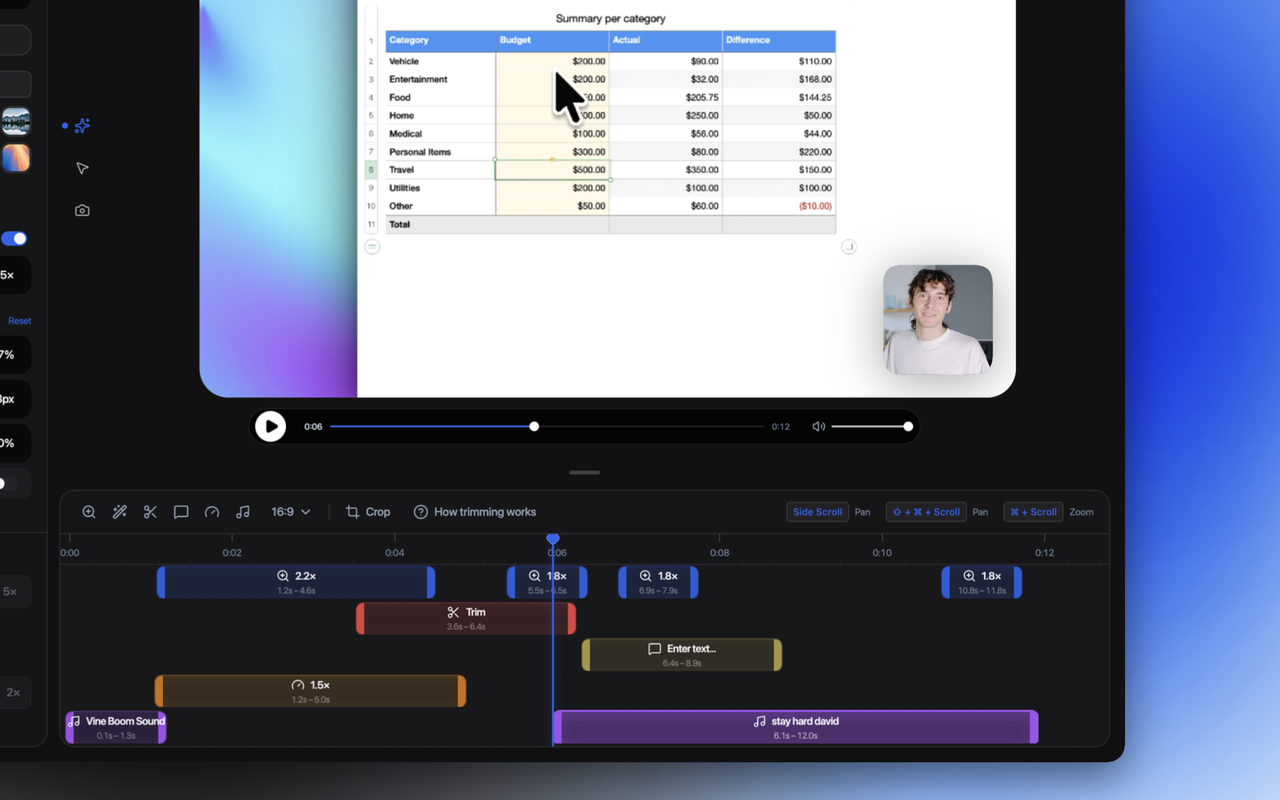
A fork of Recordly, the screen recorder, that layers on three AI-driven ways to produce a finished, editable demo — each meeting you at a different starting point, all converging on the same output: zoom/pan regions, cursor polish, narration, captions, and cuts, opened straight into Recordly's editor for refinement.
- Auto Demo — give it a GitHub repo URL and a live URL (plus optional login) and it reads the codebase to map out the app's features, crawls it live with Playwright to catalog real interactive elements, writes a demo script against that catalog, then replays the script and records itself driving the app on-camera (native macOS ScreenCaptureKit at 60fps, with a Playwright fallback) — zooms and cursor polish are derived from the actual recorded interaction trace
- Auto Zoom — record a plain walkthrough in Recordly's normal HUD and it turns the raw footage into a polished demo: Claude vision analyzes extracted frames to find important features and a crop region, zooms are anchored to your real cursor clicks (weighted by each feature's importance), narration is spoken via macOS TTS with voice-synced captions, and low-value segments get cut automatically
- Upload Demo — same AI polish as Auto Zoom for a video file you already have, minus the cursor telemetry: timing spreads evenly across detected features instead of anchoring to clicks, and the original audio is replaced with generated narration and an ambient bed
Every pipeline ends in Recordly's editor with an AI refinement chat panel so the result can be adjusted conversationally rather than by hand. Demo login credentials, when used, are stored via the OS keychain and never written into project files or logs.
It's an Electron app, kept as a separate fork rather than merged back into the main Recordly codebase while these AI features are still being shaped. Experimental — some of this works better than the rest.